
Fundamentals of User Interface Design
Learn the core principles of UI design including typography, color theory, spacing, and visual hierarchy that form the foundation of every digital product.
Read ArticleDiscover how to create intuitive user flows and map navigation patterns. Includes practical techniques for designing mobile experiences that users actually enjoy using.
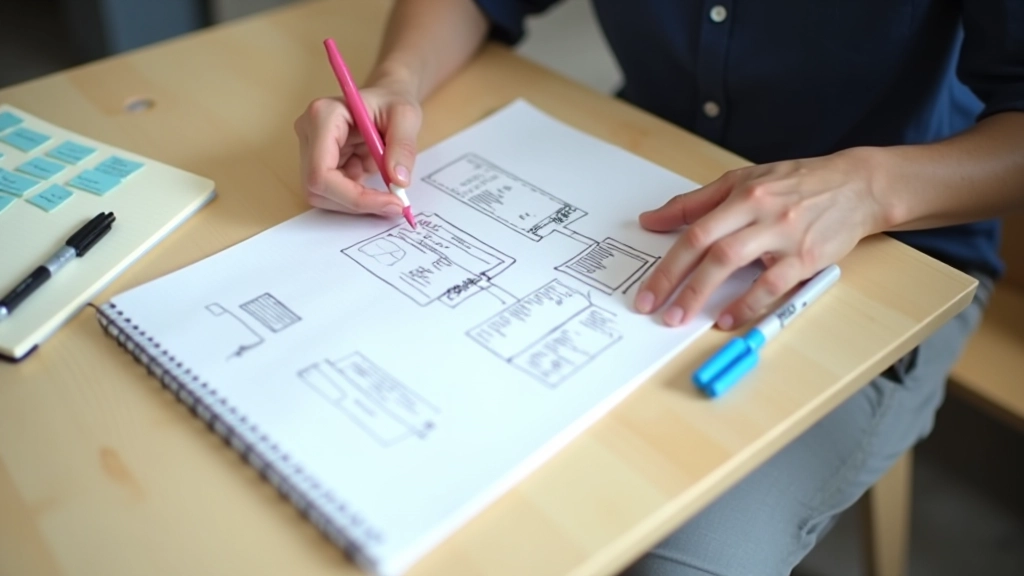
User flow mapping isn’t just a fancy diagram you create once and forget. It’s the backbone of any app that actually works. When you’re designing a mobile app, you’re essentially mapping out a journey — where does the user start, what decisions do they make, and where do they end up? We’ll walk you through the entire process.
The key difference between apps people love and apps that collect digital dust? Thoughtful user flows. It’s that simple. When you understand how people move through your app, you can design experiences that feel natural instead of confusing.

Before you open any design tool, you need to understand who’s actually using your app. We’re not talking about vague personas here. You’ll want specific details: What’s their goal? What frustrates them? How technically savvy are they?
The process starts simple. You’ll identify key user journeys — the main paths people take through your app. For a food delivery app, that’s searching for restaurants, placing an order, and tracking delivery. Don’t overthink it. Stick to what matters.

You’ll want to master these approaches. They’re the foundation of everything you’ll do.
Linear diagrams showing how users complete specific tasks. You’re mapping the exact steps from start to finish. Simple and focused — usually 5-8 steps max.
The broader view. You’ll show how different user types navigate through your entire app, including decision branches. This is where you see the bigger picture.
Combines wireframes with flow logic. You’re not just showing screens — you’re showing how screens connect and what triggers the transitions. Much more detailed.
The empathy tool. You’ll document the emotional experience alongside the functional steps. Where’s the friction? Where’s the delight? This changes how you design.

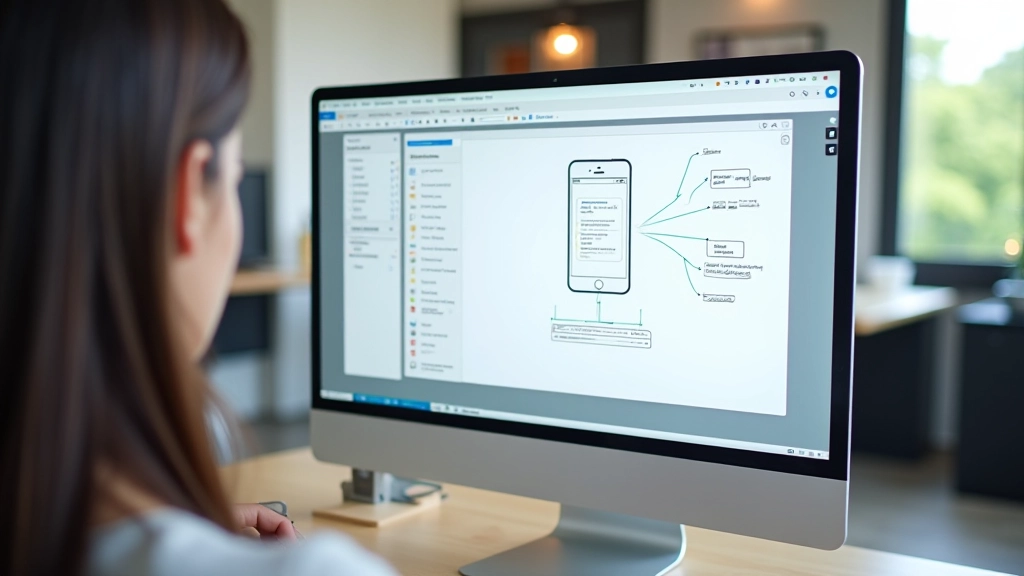
You don’t need fancy software to create effective user flows. Honestly, you could sketch these on paper. But there are tools that’ll speed things up and make collaboration easier.
Figma’s become the standard because it’s collaborative. You and your team can work on the same flow simultaneously. Miro’s great for more visual, exploratory mapping. If you’re doing detailed wireflows, Axure handles the interactive prototyping side well.
Start with what your team already knows. Don’t spend three weeks learning new software when you could be designing flows. The tool matters less than the thinking you put into it.
This article provides educational information about user flow mapping methodologies and design practices. It’s intended to help you understand best practices and industry approaches. Every project’s requirements are different — you’ll need to adapt these techniques to your specific context. User testing and iteration are essential parts of the design process.
User flow mapping isn’t something you do once and move on. It’s an ongoing conversation with your users and your team. You’ll create flows, test them, discover they’re wrong in interesting ways, and redesign them.
The best apps we use don’t feel like they’re guiding us through complex processes — they feel natural. That’s because someone invested time in mapping how real people actually behave, not how the designer hoped they’d behave. You’re not just creating diagrams. You’re designing the invisible architecture that makes everything work.
Want to dive deeper into design fundamentals?
Explore UI Design Fundamentals